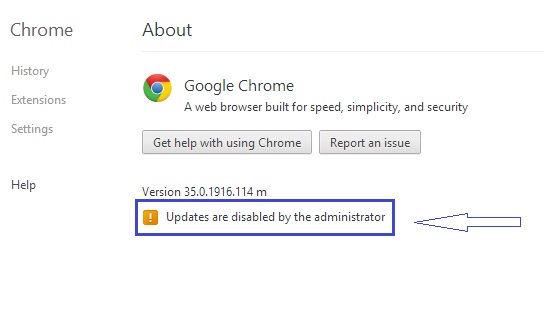
Solved: Updates are disable by the administrator (Google Chrome)
Sometimes some policies will not allow to automatically update your computer’s application. To change this type of policies you need to go through Registry Editor and edit their value. In this article I am going to make some troubleshoot for Google Chrome and I will guide you how to fix ” Updates are disable by the administrator ” in Google Chrome. Follow the procedure given below and i will guide you step by step.
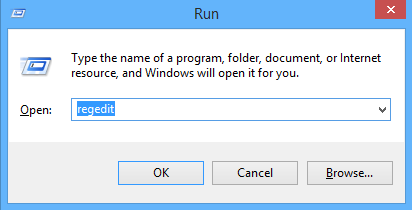
• Open the run program
• Type “regedit” in run program and click on ok. It will open Registry Editor
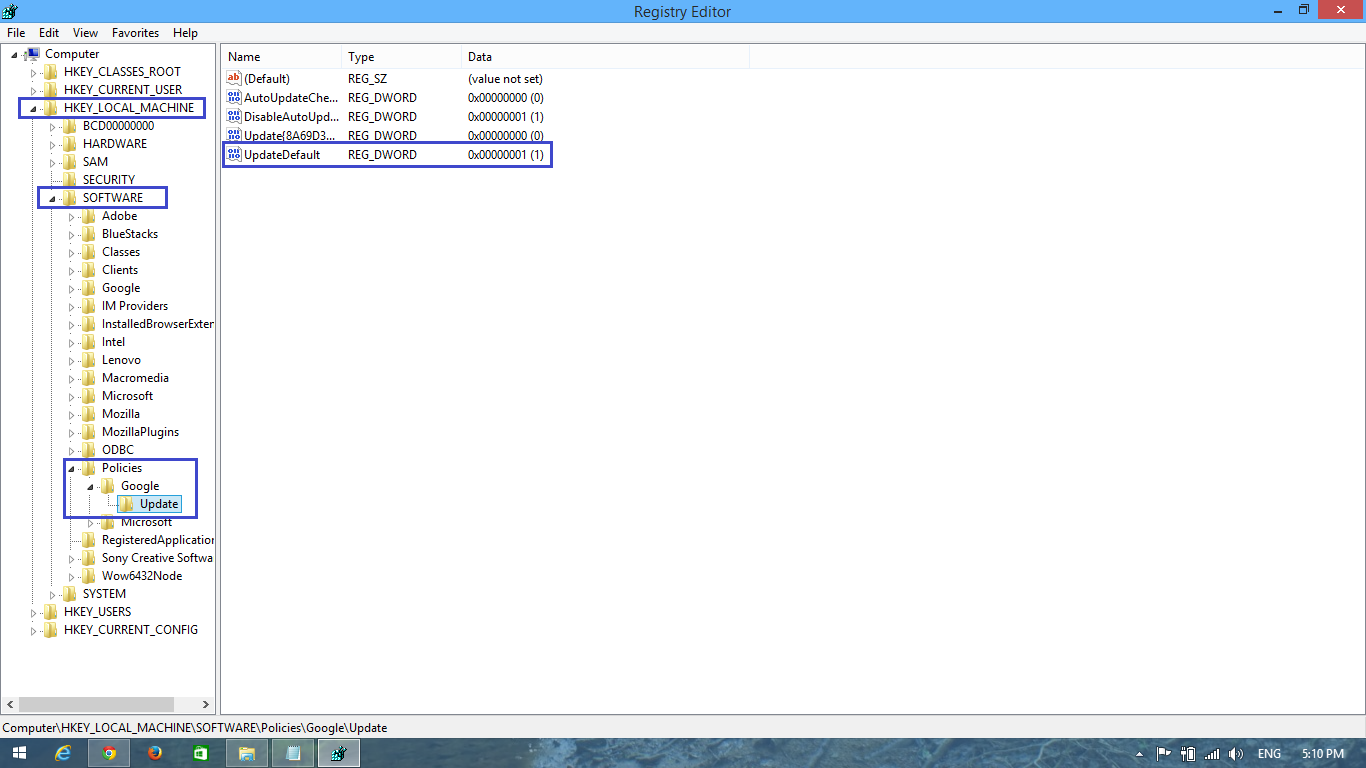
• Open HKEY_LOCAL_MACHINE\SOFTWARE\Policies\Google\Update. It will open new window called “Edit DWORD (32-bit) Value”.
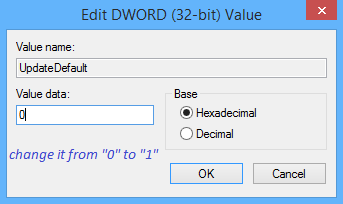
• In the Value data you should see “0” value data and you need to change it from “0” to “1”. Click on “OK”
• After following all this procedure correctly now you need to move on Google Chrome. Restart your Google Chrome and check it again.
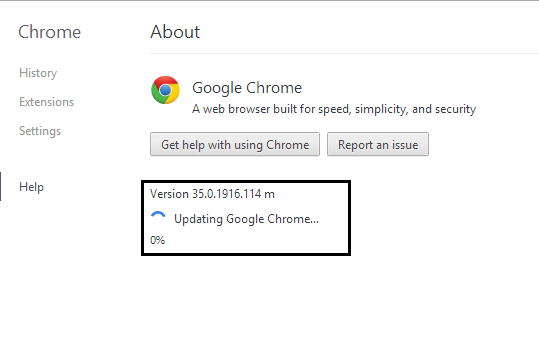
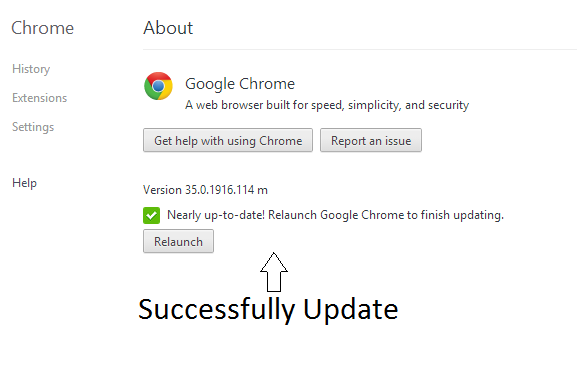
• Finally you have done it successfully and enjoy with your new updates
If you have any confusions and questions about it then do not hesitate to comment below
You can also watch the video which is placed below for visual solution. Well guys I am sure it will be helpful for you.
