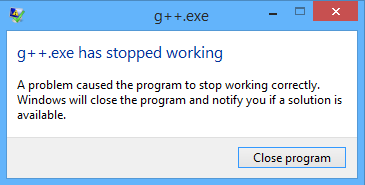
SOLVED : g++.exe has stopped working
In windows 8 “g++.exe has stopped working” dialogue is appear on dev c++ because of compatibility issue with software. There is a simple way to solve it and in this article am going to show how do we do it. For avoiding this type of message you must download latest version of software. For easy solution follow the procedure which is given below.
• Here we start from googling
• Open google and type “wxDev C++ download”. wxDev C++ is well compatible with windows 8. Open the first result of google.
• Now click on full installer an download it.
[Note : for quick way to download click the link DOWNLOAD ]
• And now install it on your computer.
After installing open the program and check it or you can also watch the video which is placed below for visual solution. Well guys i am sure it will be helpful for you.
