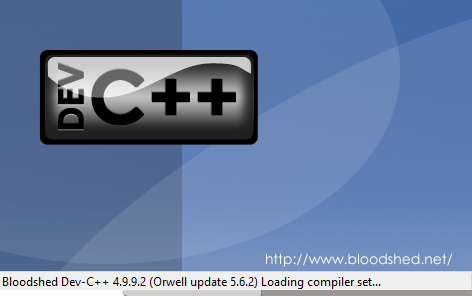
SOLVED : How to lunch Dev-C++ on Windows 8 or Windows 8.1
In Windows 8/8.1 many user have experienced that there is a problem to lunch Dev-C++. Knowing this issue, we understand that Dev-c++ (Dev-Cpp) isn’t working well in windows 8/8.1 after upgrading to windows 8. Before choosing Dev C++ we have to sure or we need to have more information about following thing which is given below.
• Make sure you are going to download lasted version of Dev- C++
• Make sure your software programs compatible with this version of Windows
• What is the complete error message that you receive when you launch Dev-C++?
Solution
• I strongly recommended that try latest version of Dev-C++. I have found that Dev-C++ version 7.3 and version 7.4 ( wxDev-C++ ) are compatible with Windows 8. Download and install any of these versions and check if the issue is resolved. wxDev-C++ version 7.3/7.4 works 90 % of these version of windows.
• If it doesn’t work in windows 8 then try check from Run the Program Compatibility Troubleshooter. For this process, Swipe in from the right edge of the screen, and then tap Search. Enter run programs in the search box. Tap or click Run programs made for previous versions of Windows, and then tap or click Next. Select the program you want to fix.
If you don’t see the program in the list, select Not Listed. Tap or click Next, and then follow the instructions in the troubleshooter. This process might be helpful in other cases.
